Choose what to scan
Start with common Mac folders or add any custom folder you want CleanDisk to inspect.
CleanDisk
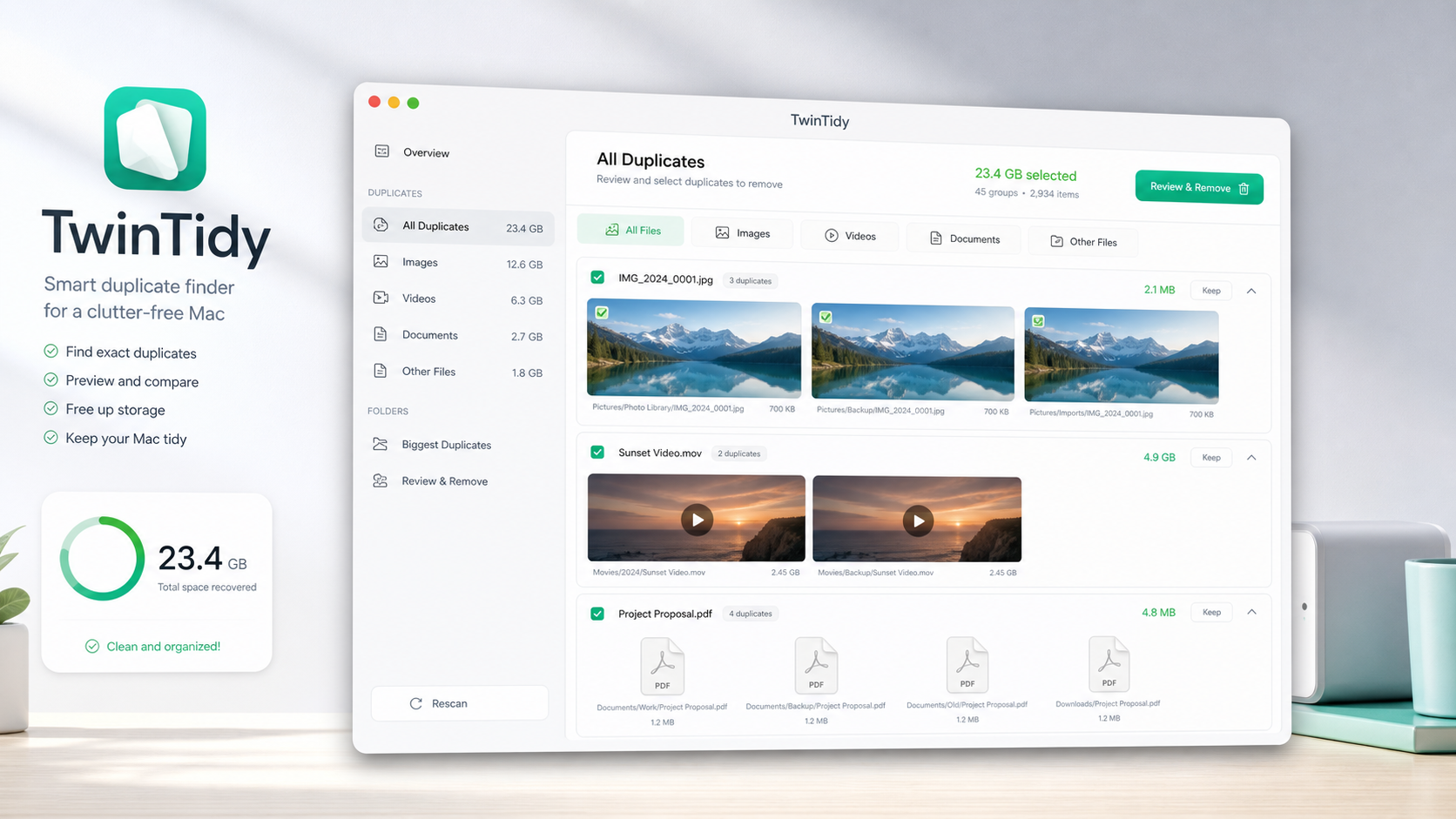
CleanDisk helps you find duplicate files on your Mac, review them clearly, and reclaim storage through a careful scan-to-removal workflow.
Scan Scope
Choose Downloads, Desktop, Documents, Pictures or any folder where copied photos, repeated downloads, duplicate documents and old folders tend to gather.
Review First
CleanDisk groups matching files, estimates recoverable space and organizes results so cleanup feels simple and controlled.
Start with common Mac folders or add any custom folder you want CleanDisk to inspect.
Duplicate matches are grouped with file names, paths, sizes and modified dates so comparison stays calm.
Nothing is removed automatically. Select only the copies you want to delete and keep the original that matters.
Key Features
Scan common Mac folders or add your own folders
Find duplicate files by name, size, and file content
Review duplicates in organized groups
See reclaimable storage before cleanup
Browse results by Images, Videos, Documents, and Other Files
Keep the original you want and remove only selected copies
View your last scan summary and cleanup history
Whether your Mac is crowded with copied photos, repeated downloads, duplicate documents or old folders, CleanDisk gives you a careful way to tidy up and free storage.